 EASYLISTINGS
Rebuilt, not cut out
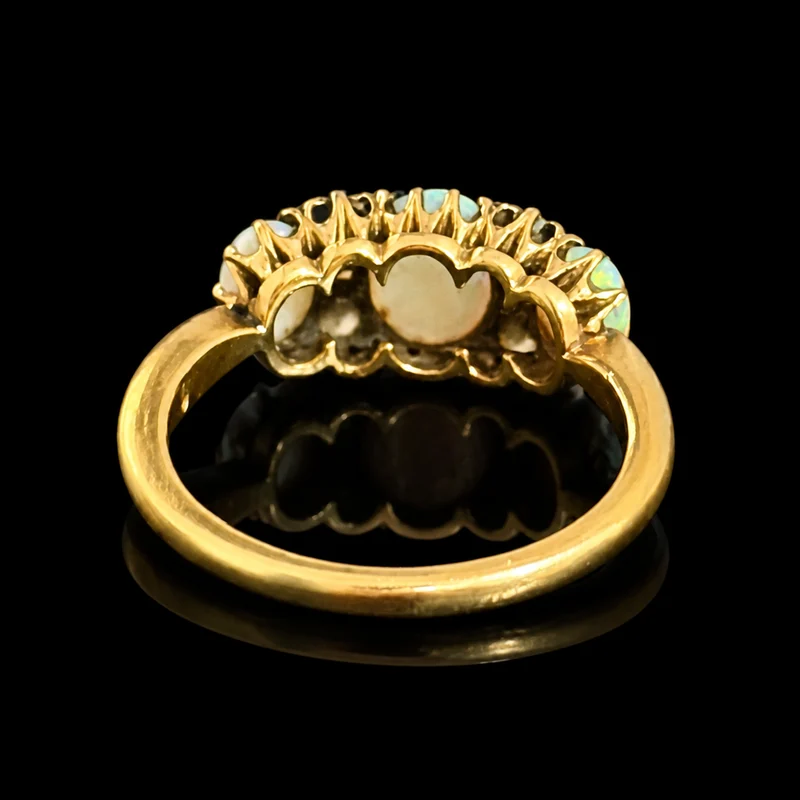
Each view is remade as a studio shot, so it is sharper and better lit than your photo, with clean edges around claws and chains.
Turn the photos you already take into sharp, evenly lit studio images in white, black or grey, plus a styled on-model shot. Far more of your stock online, looking its best.
No sign-up, no card. Your first listing is free.
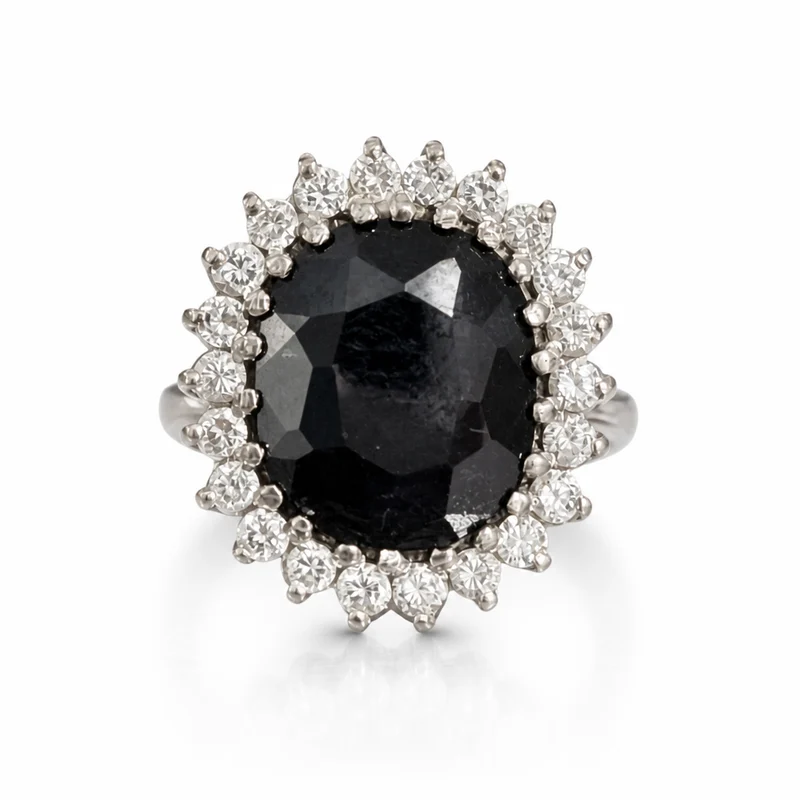
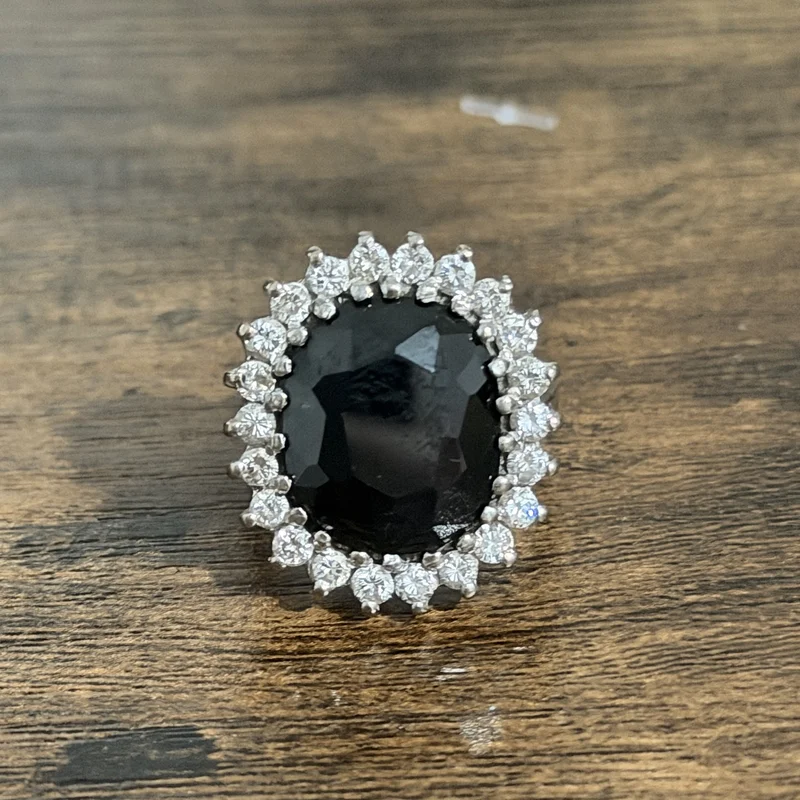
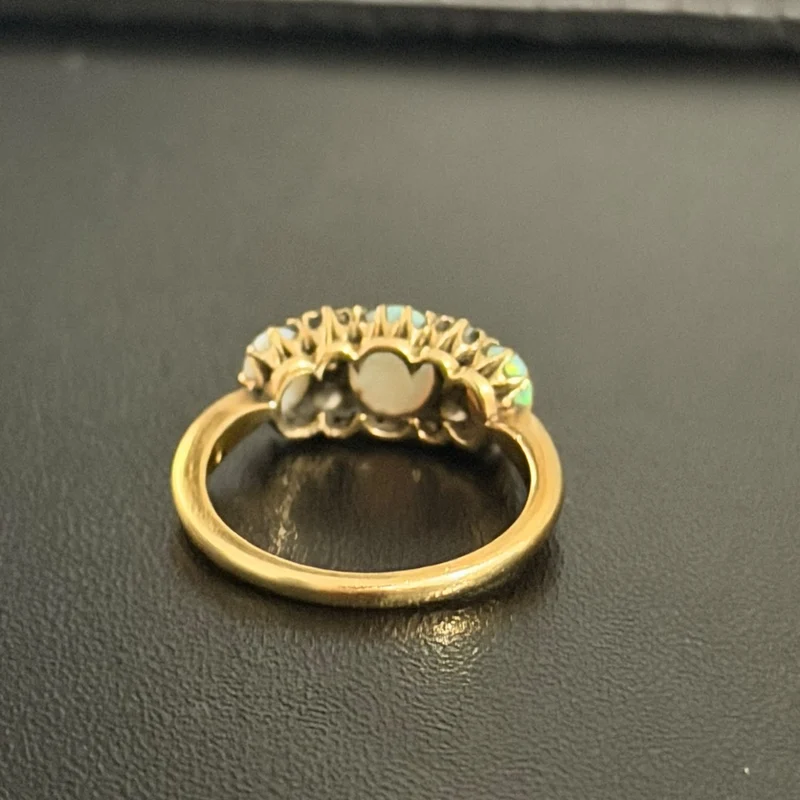
Drag to compare the phone photo with the studio image.
Choose a look once, and every piece comes back in the same house style.
Any clear photo works. Add them all at once and they are sorted for you.
White, black or grey. Standard, studio, lifestyle or creative.
Approve or regenerate. Marks and condition stay as taken.
Each view is remade as a studio shot, so it is sharper and better lit than your photo, with clean edges around claws and chains.
Stones, metal color and detail come from your photos. Hallmarks and condition photos are never redrawn.
Every piece in the same light and background, so your store and marketplace listings look consistent.
Upload one photo of the piece being worn and get a styled on-model image, labeled as styled.
Background removers cut your piece out of the photo you took, so the blur, noise and poor light stay. EasyListings uses your photo as the reference and rebuilds each view as a studio shot, keeping the shape, stones and marks exactly as they are.
Every image comes back with the full listing and the export files for your platforms, so the photography is never a separate job.
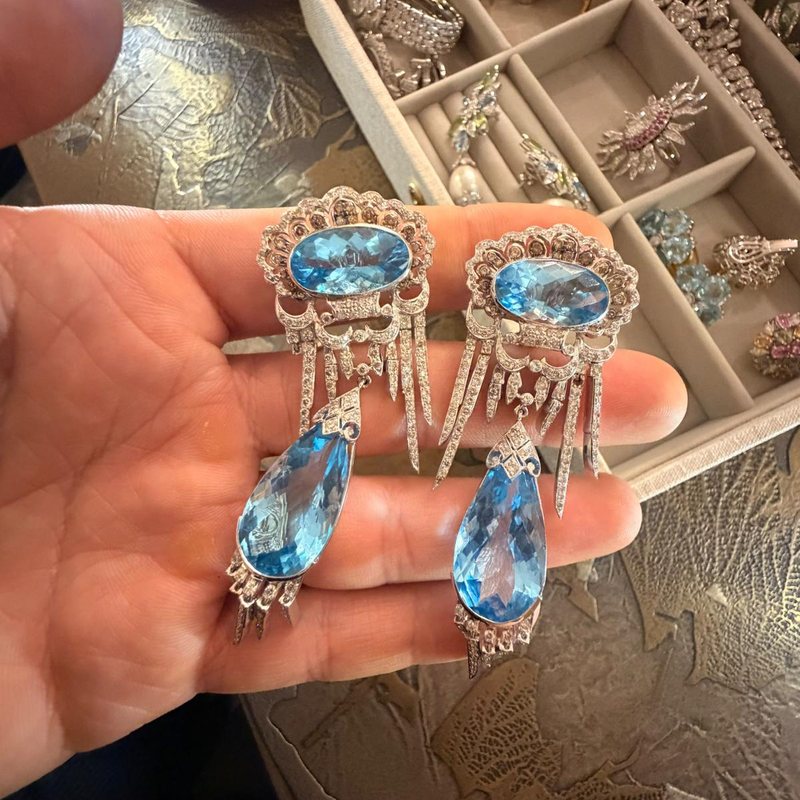
Dealer photos and what EasyListings made from them.
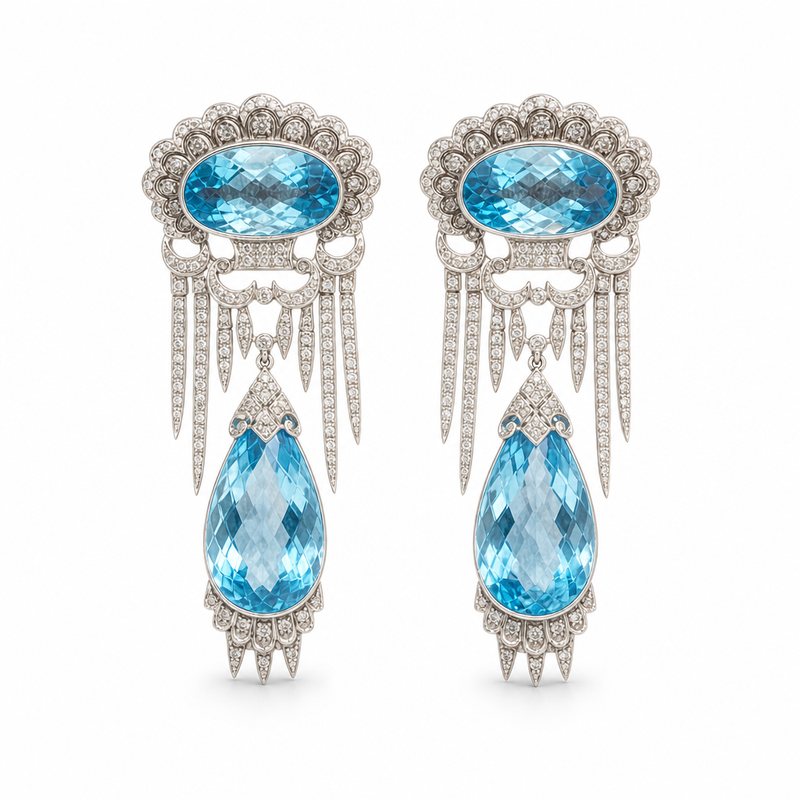
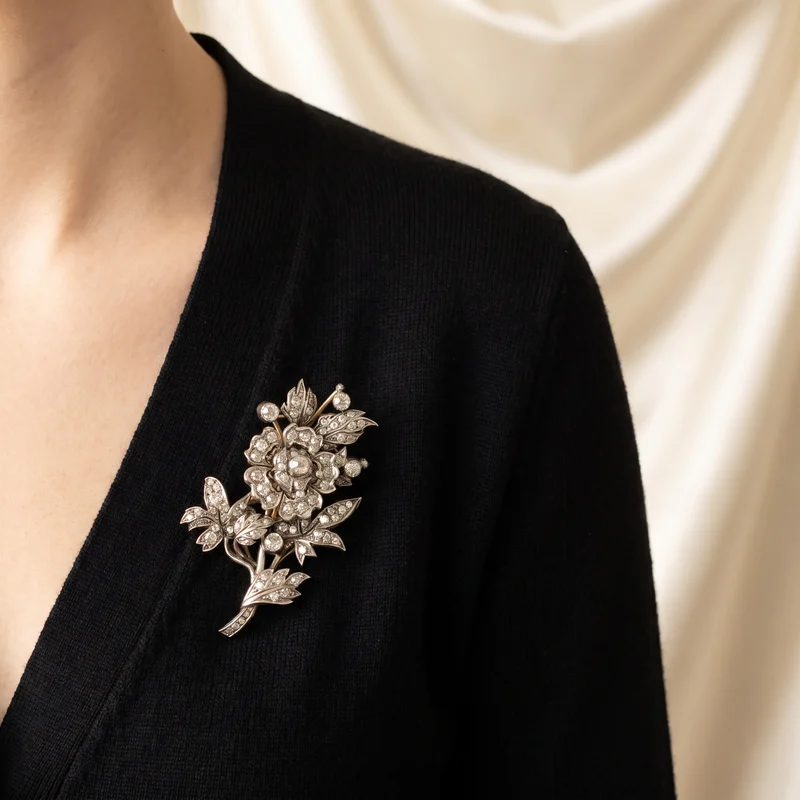 On model
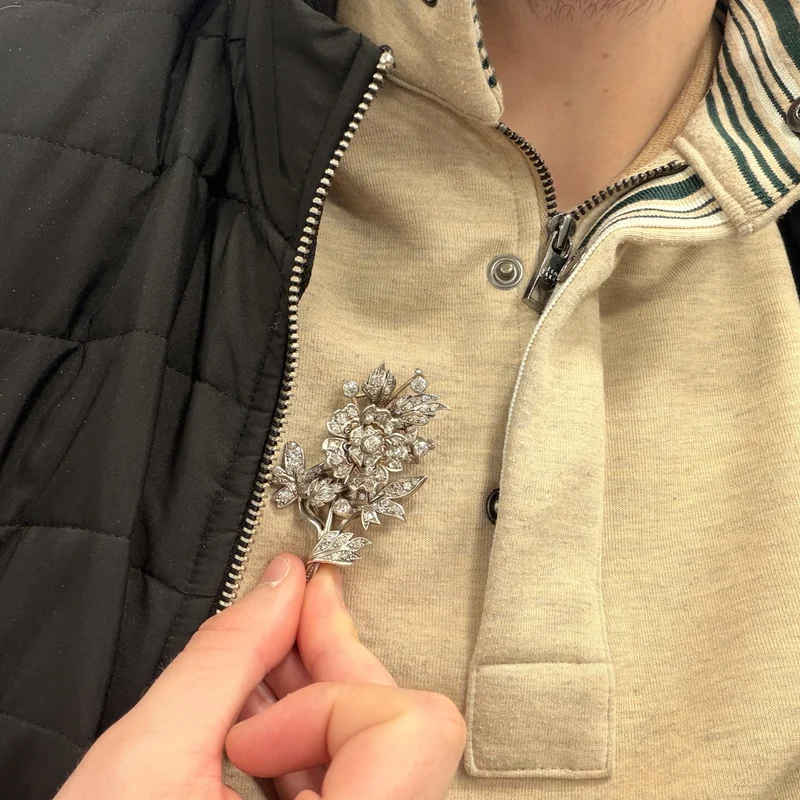 Phone photo
One upload, ready for
No. Each studio image is made from your own photo of that view, so the stones, metal and detail are your piece. Hallmark and condition photos are never regenerated, and you review every image before you use it.
White, black or grey, in a standard, studio, lifestyle or creative style. You can set a different background for each view.
No. A phone in soft daylight is enough. Clear, sharp photos give the best result, and the photo guide shows how in two minutes.
Your first listing is free, with no sign-up and no card. After that it is £4.99 a piece, or £3.99 a piece in a bundle of 100. No subscription, and bundles never expire.
Book a short walkthrough on your own pieces, or list your first piece free right now.
List your first piece freeNo sign-up, no card.